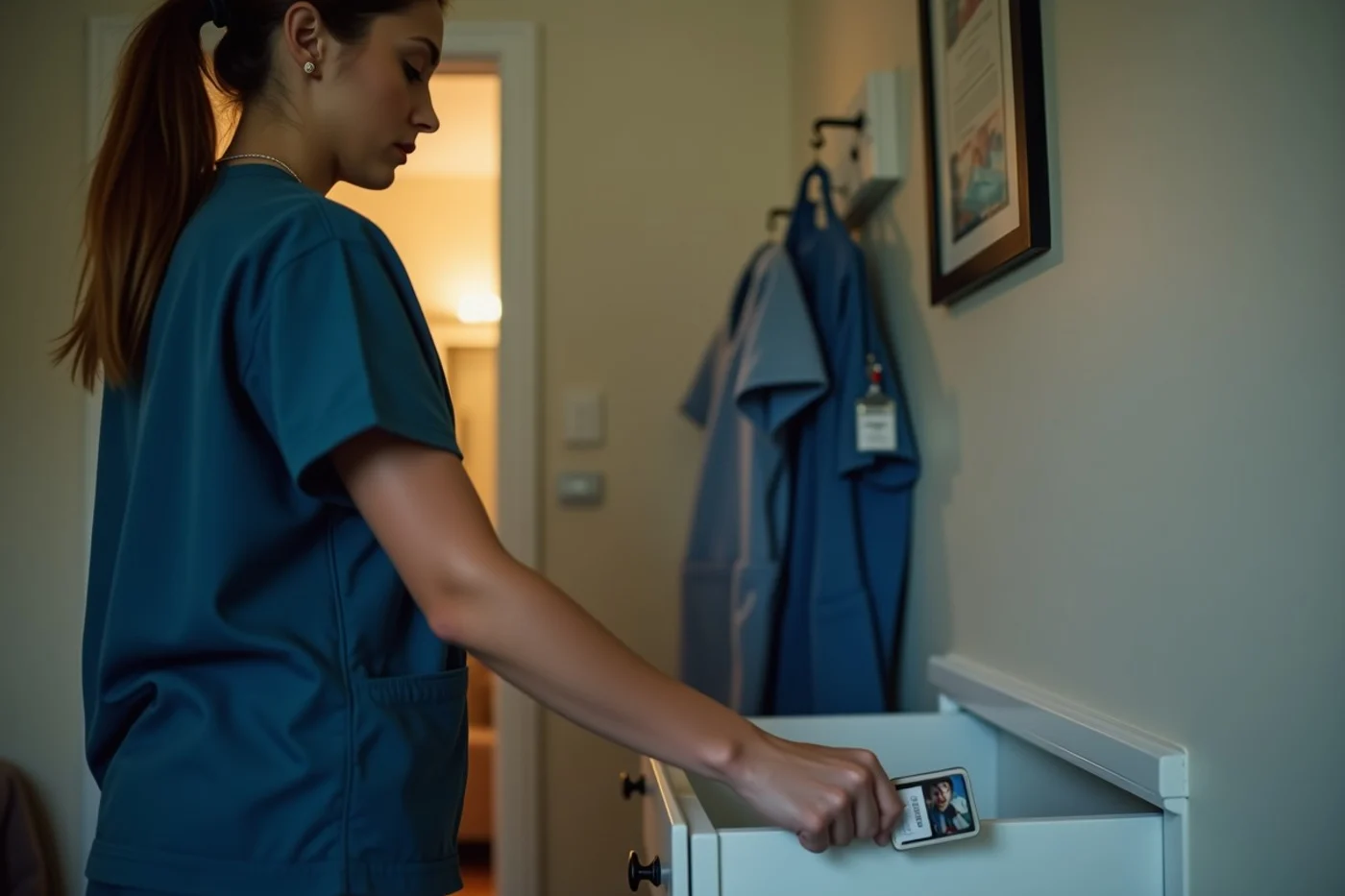
A hospital selfie, a scrubs photo, or a familiar shift detail can identify your workplace faster than most profiles suggest. Nurses should use a dating website only after reviewing who can find the account, what location and photo controls exist, how blocking works, and whether the service provides clear reporting and account-security tools.
Published by Datewise Guide
A dating profile can reveal a workplace even without naming it
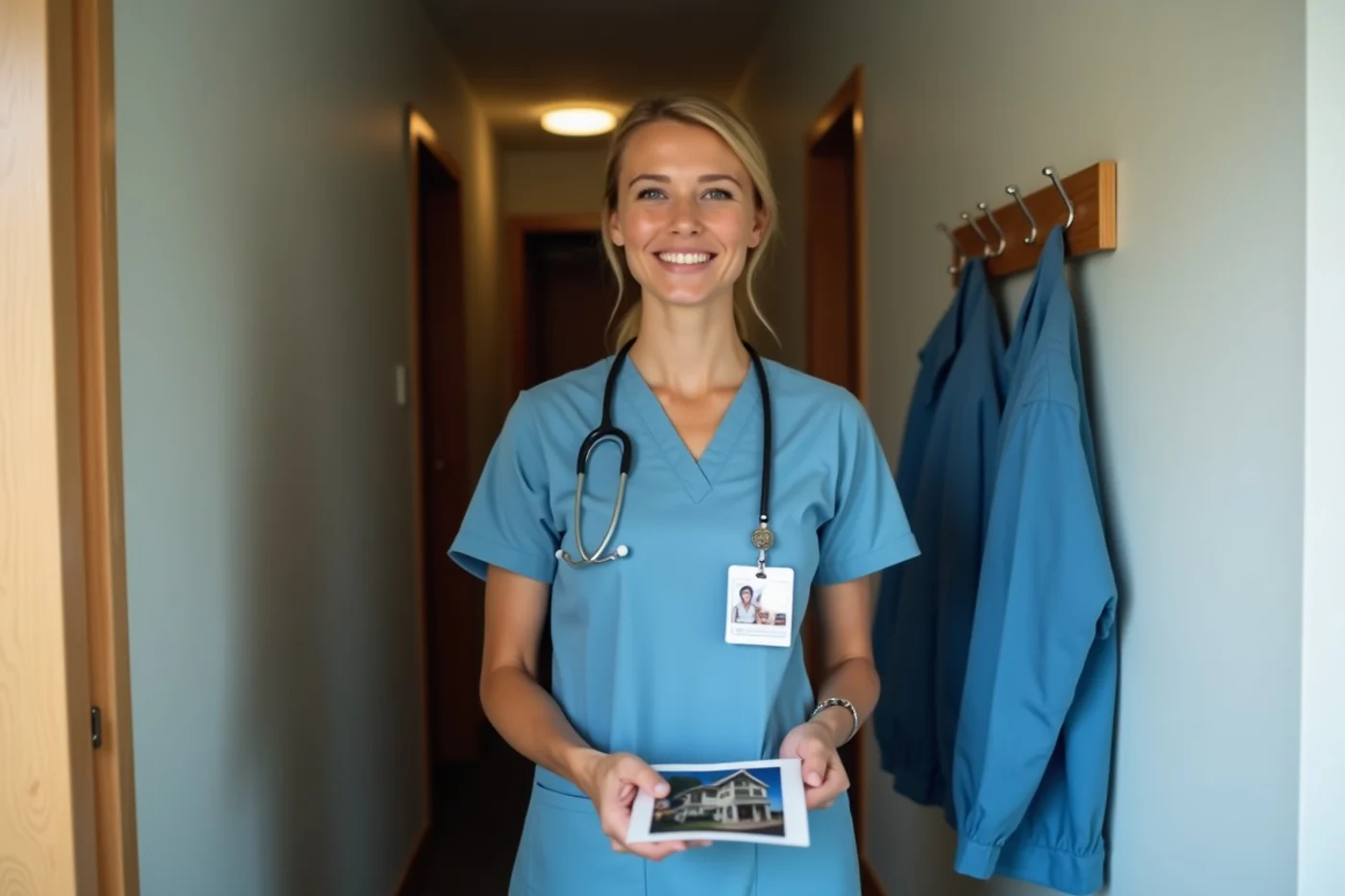
A profile does not need a hospital name to point straight to one. A photo in scrubs with a facility logo, an ID badge turned partly away, a recognizable unit sign in the background, or a skyline view from a staff-only floor narrows the field fast. So does a bio that names a rare specialty, a department, and a precise neighborhood. Together, small details can identify where a nurse works and when they are likely to be there.
Work stories create the same problem. “Night-shift trauma nurse who grabs coffee at 7 a.m. near the downtown ER” gives a stranger a schedule, a role, and a likely building. Photos taken in patient-care areas, break rooms, parking structures, or near ambulances also expose more than intended. Crop work images tightly or leave them off the dating profile; remove badges, branded lanyards, unit identifiers, and facility backgrounds.
A broad description still says enough: “I work in health care and keep irregular hours” explains a late reply without handing over a workplace map. Keep clinical details out of prompts and captions, including unusual cases that friends would recognize. The profile should introduce a person, not provide a route to their unit.
What privacy controls should a nurse inspect first?
Start with discoverability and visibility settings. Find out whether people can locate the account through a phone number, email address, contacts list, or broad search, then disable any route you don’t need. Set profile photos to the narrowest audience the service allows. Turn off precise location display and review whether the app shows a neighborhood, distance, or last active area. Contact syncing deserves separate attention: deny access when it serves no clear purpose, and remove previously uploaded contacts if the service provides that option.
Read receipts and activity indicators reveal when you’ve opened messages or used the account; disable them if you want firmer control over response timing. Learn where blocking sits before a difficult exchange occurs, and confirm whether blocking hides your profile and stops messages. Finally, read the data-sharing panel for advertising, analytics, personalization, and third-party access. Record settings that affect profile visibility, location, contacts, and message activity before regular use, since an app update or account change can reset them.
Professional boundaries remain important after a match moves offline
Moving from an app to text, a call, or an in-person date does not turn work information into date conversation. Keep patient names, diagnoses, family circumstances, room details, unusual cases, and photos completely out of personal exchanges. A story can expose a patient even when the name is missing, especially when it includes a rare event, a specific time, or a recognizable family situation. “Funny hospital stories” are not harmless material when the details point back to a real person.
Workplace access belongs outside the relationship as well. Don’t use a unit, staff area, employee parking privilege, badge access, internal directory, work email, scheduling system, or employer device to arrange contact or accommodate a date. Meeting someone at the facility, showing them around, or letting them wait in an employee-only area blurs a line that should stay firm. Your workplace is where you perform a professional role, not a convenient backdrop for a new connection.
Clinical anecdotes also change how a match sees you. General remarks about long shifts or emotionally demanding work are enough to explain your life without turning a date into a debriefing session. When someone repeatedly seeks inside details, asks to visit at work, or expects access to staff-only conveniences, decline the request and keep contact in ordinary personal settings. Separate personal channels help: use your own phone number or a dating app’s communication tools, not a work number, work email address, or employer-managed account. That boundary protects patients, coworkers, and your own ability to date without bringing a new person into your professional sphere.
Verification and impersonation signals

A verification badge records that an account completed the service’s stated check; it doesn’t establish the person’s full identity, job, intentions, or honesty in conversation. Read what the service says the check covers. A profile deserves closer scrutiny when its photos look copied or overly polished, the face changes noticeably between images, the name shifts across messages, or details about age, location, work, and relationship status conflict. Reverse-image search tools can help identify photos used elsewhere, but a clean result proves little. Keep the conversation on the platform while these details remain unclear. An urgent request for money, gift cards, account access, private images, travel help, or a move to an unfamiliar payment or messaging service is a clear stop signal. So is a match who refuses a basic live interaction while asking for personal details. For a nurse, an impersonator may also use healthcare language or a false clinical connection to seem credible. Don’t share employer information, work credentials, or patient-related details to test the claim; end contact and use the service’s reporting route.
When platform safety language exceeds the available evidence
Safety wording on a dating website describes an intention, not the protection you receive in every interaction. Read the privacy policy and help material for specific explanations of data use, account recovery, reporting, and retention; broad claims about being “safe” provide little to assess. Then compare those statements with what the account actually lets you do: find the relevant control, preview what another member sees, and identify how a complaint is submitted. Your own experience matters too. A missing control, vague support response, or unexplained data request deserves more weight than polished safety language.
A nurse’s privacy review before regular messaging
Before regular messaging, view your profile as a stranger would and remove any remaining clue that ties a photo, bio, or linked account to your employer. Revisit location precision and contact-sync permissions after each profile change; small settings changes can expose more than intended.
Use a unique password, enable multi-factor authentication when offered, and secure the email account attached to the dating account. Keep messages on the dating service until trust is established; move to a personal channel, never a work email, phone system, or social account that displays your workplace. Open the blocking and reporting controls once so you know how to reach them.
Read the service’s account-deletion and data-retention explanations. Look for answers about stored messages, photos, profile copies, and information shared with service providers after deactivation. Save the support contact and privacy-policy link outside the app. Vague answers are a reason to upload less and avoid linking professional accounts.
Document concerns before deciding whether to continue
Save screenshots before blocking or reporting a suspicious account, including the profile, messages, dates and times, usernames, and any request that crosses a professional line. Write a short factual note while details are fresh: what the person claimed, what they asked for, and whether they named your unit, facility, schedule, or professional role. Keep any report confirmation and the platform’s reply with that record. A profile that returns under a new name, a stranger who contacts your work channel, or a platform response that leaves the account active after a serious report warrants ending contact and tightening the exposed account details. Documentation preserves the facts if the situation escalates beyond the app.
Before you move on
Should a nurse use a hospital email, work phone, or work computer for a dating account?
No. Register with a personal email address and use a personal device. Keep account recovery, photos, messages, and saved passwords off employer systems. A dating account should not appear in a work inbox, browser history, or shared-device notification.
How can a nurse mention shift work without revealing a current schedule?
Use a broad line such as, “My schedule rotates, so I usually plan dates a few days ahead.” Leave out unit names, shift start times, weekend rotations, on-call details, and where you will be after work. That gives a match enough information to plan without mapping your routine.
Is it worth searching your own name before building a profile?
Yes. Search your name and common photo choices to see whether an employer directory, conference page, old social profile, or public post links you to a facility. Remove or tighten public details where you control them, then avoid reusing photos that connect the dating profile to that information.
What notification settings matter when a phone is visible around coworkers or family?
Hide message previews on the lock screen, require a passcode or biometric unlock, and turn off notifications on shared tablets, computers, and wearable devices. A notification that shows a match’s name or a suggestive message creates an unnecessary privacy problem before you have even opened the app.
Keep a dating profile separate from your clinical identity: leave out facility clues, patient details, work contact information, and anything that exposes your schedule. A verification badge and polished safety language don’t settle the question. Continue only where privacy settings, account protection, blocking, and reporting routes are visible, usable, and sufficient for you to document a troubling exchange before disengaging.