
A site focused on Indian singles can feel relevant, especially when shared cultural references or community expectations matter. Share personal details only after confirming that it offers controls for identity, account exposure, reports, and billing. Cultural positioning is a marketing description; safety depends on what the service lets you control and how it responds when an account crosses a line.
Published by Datewise Guide
A culturally specific label does not establish a website’s safety record

A service presenting itself as a place for Indian singles tells you about its intended audience, not its ability to protect that audience. A polished homepage, compatibility language, or references to shared background leave key questions unanswered: Does the site explain how it handles suspicious accounts? Is there a way to report impersonation? Can members limit who contacts them? Are its data-handling and billing terms clear enough to find before registration?
Look for operating details, not reassuring slogans. Identity controls should explain what verification involves and what happens when an account is reported as fake. Moderation information should identify a reporting route, a block function, and a way to raise a serious concern beyond a generic help page. Data-handling terms should say what profile information appears in searches, whether photos can be limited, and how account deletion works. Complaint handling matters too: a site need not promise perfect screening to explain where a report goes and what information it needs. When those basics are buried, vague, or unavailable until after payment, leave the service untested. A cultural niche can create a more relevant dating pool, but account security and firm limits still matter.
Several warning signs can appear before a conversation begins
Pause when a profile has only a polished photo, almost no personal detail, and broad claims that could fit anyone. Run a reverse-image search when a photo appears unusually professional or familiar. Immediate demands to leave the platform, rapid declarations of intimacy, and requests for money, gift cards, financial help, identity documents, or immigration paperwork are reasons to stop. When a match refuses basic questions while pushing for private contact, block the account and report it through the site.
Platform controls should cover discovery, contact, and removal
A safe-enough service gives you control at three points. During discovery, it lets you limit profile exposure and photo access. During contact, it lets you control who sends messages, block an account without discussion, and report harassment, fraud, or impersonation from the conversation or profile itself. During removal, it provides a clear account-deletion path and explains what happens to profile material after closure.
Reporting without an escalation route is thin protection. Find out whether the service offers a support channel for urgent or unresolved reports before you invest time in a detailed profile.
Privacy risks increase when profiles reveal family and location details
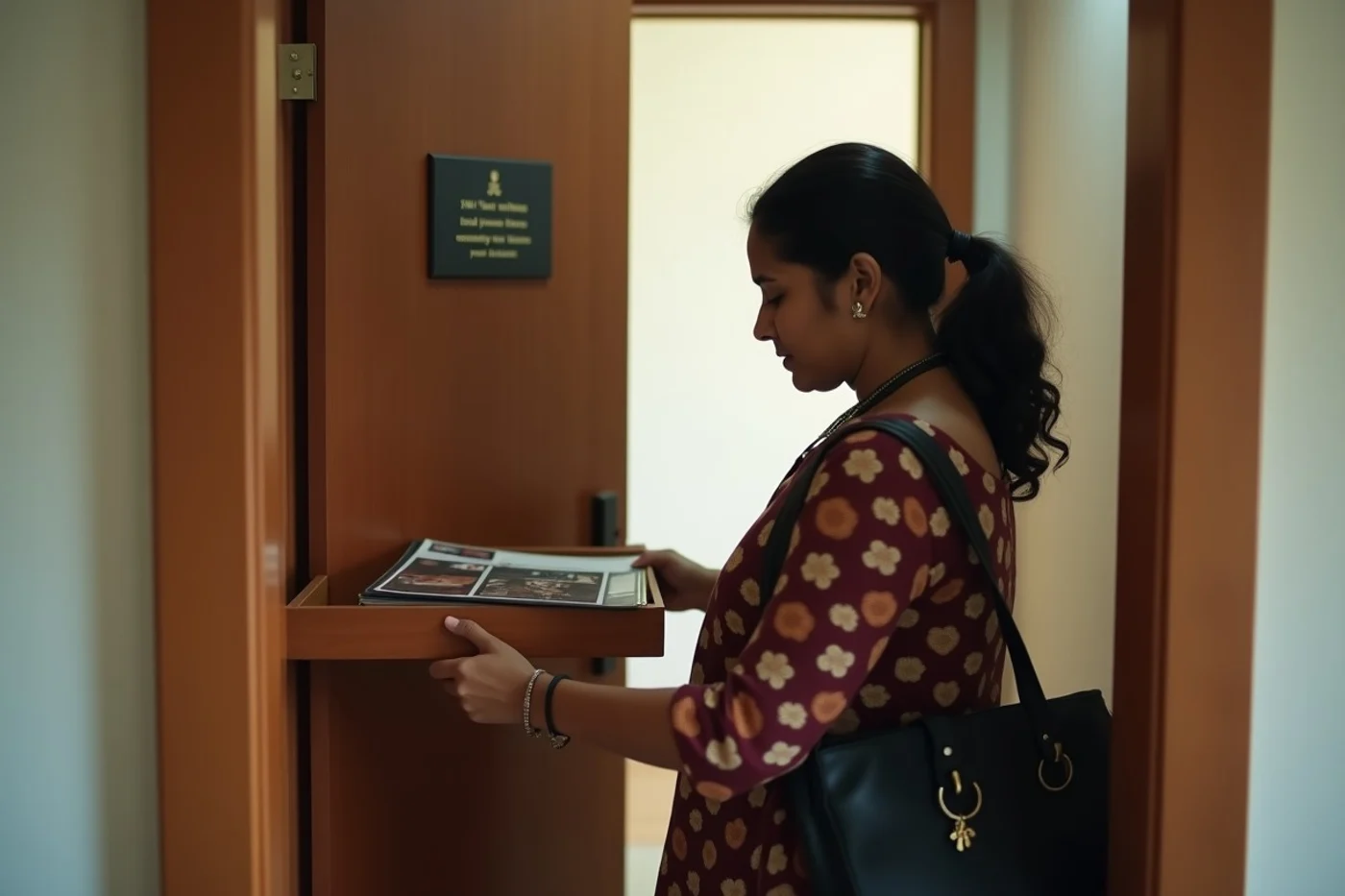
A profile becomes easy to trace when it combines an employer, a neighborhood, a precise work schedule, and a small cultural or professional community. Leave out your workplace name, building, commute route, and any detail that identifies a regular location.
Family information deserves the same restraint. Do not post relatives’ names, contact details, photographs that identify their homes, immigration status, financial circumstances, or community affiliations. Those facts can be used to push beyond the dating account.
Test the service before sharing a complete identity
- Review the terms before registering. Find the data-handling policy, community rules, billing terms, renewal language, cancellation instructions, and account-deletion process.
- Open account settings first. Check profile exposure, photo permissions, search listing controls, message permissions, and notification settings before adding profile details.
- Use a sample search to see what other members’ profiles reveal by default. That shows what your own profile is likely to disclose.
- Trace the test report path without filing a false report. Locate the block control, report categories, support contact, and any escalation option.
- Perform a payment check before entering card details, then use staged profile completion: begin with limited photos and broad location information, adding more only after the service proves usable.
Safety evidence is incomplete and can change over time
Badges, platform promises, and user comments are starting points, not guarantees that your account will be handled well. A badge only shows that the service assigned or displayed a label; it cannot show how a report about your account will be handled. Public complaints can reveal issues worth checking, but they also lack the full context of an account dispute.
Confirm the current controls yourself: reporting access, blocking, default exposure settings, deletion instructions, renewal terms, and information required for verification. Check again when a site changes its settings or asks for more personal data.
What should remain private during the first conversations?
Keep your exact home address, apartment number, financial information, identity documents, workplace access details, and relatives’ contact information to yourself. Do not send a driver’s license, passport, visa record, bank image, payroll document, work badge, security code, or a photo showing a home address. A match needs none of those details for a conversation.
Use broad facts at first: a general area of town, a field of work without the employer, and interests that do not identify your routine. Keep contact on the platform until the person’s conduct supports moving it elsewhere. Before an in-person meeting, a brief video call through a service that does not expose your number adds a basic identity check, though it does not settle every safety question.
A few common questions
Does account verification justify giving a site a full legal identity?
Read what the verification request requires and why before submitting documents. A service should explain the purpose, handling, and retention of sensitive information. Avoid uploading identity documents when the request is vague or when a lower-risk account option meets your immediate needs.
Can a family member help with online dating safety?
A trusted relative can help assess a profile or read payment terms, but keep the account under your control. Do not share passwords, verification codes, or access to private messages. Account access creates its own privacy and security problem.
Is a video call a substitute for platform safety controls?
No. A video call helps confirm that a person resembles their profile and is willing to communicate directly. It does not replace blocking tools, reporting access, cautious disclosure, or clear payment terms.
Treat a dating website as a service that must earn access to your identity, photos, and time. Its cultural focus may be useful, but the deciding facts sit in its settings, report path, privacy defaults, and billing language. Start with limited disclosure and leave quickly when those protections are unclear.